
For SATURN(I & II) , ORBIT (1 & 2) Interfaces, you should find a Cherry Audio Dreamsynth redeem card in the box, as shown below:
The 20-digit purchase code (XXXX-XXXX-XXXX-XXXX) is located on the back of the redeem card. Here’s an example: CL4P7N-BLU3S-T0N3X-L4YL4
***The Cherry Audio Dreamsynth is only included with newer batches of SATURN (I & II) and ORBIT (1 & 2) interfaces. If your SATURN or ORBIT interface is from the original batch, you will receive a SynthMaster Player 2 redeem code.
To redeem your Dreamsynth redeem code, please follow the steps below:
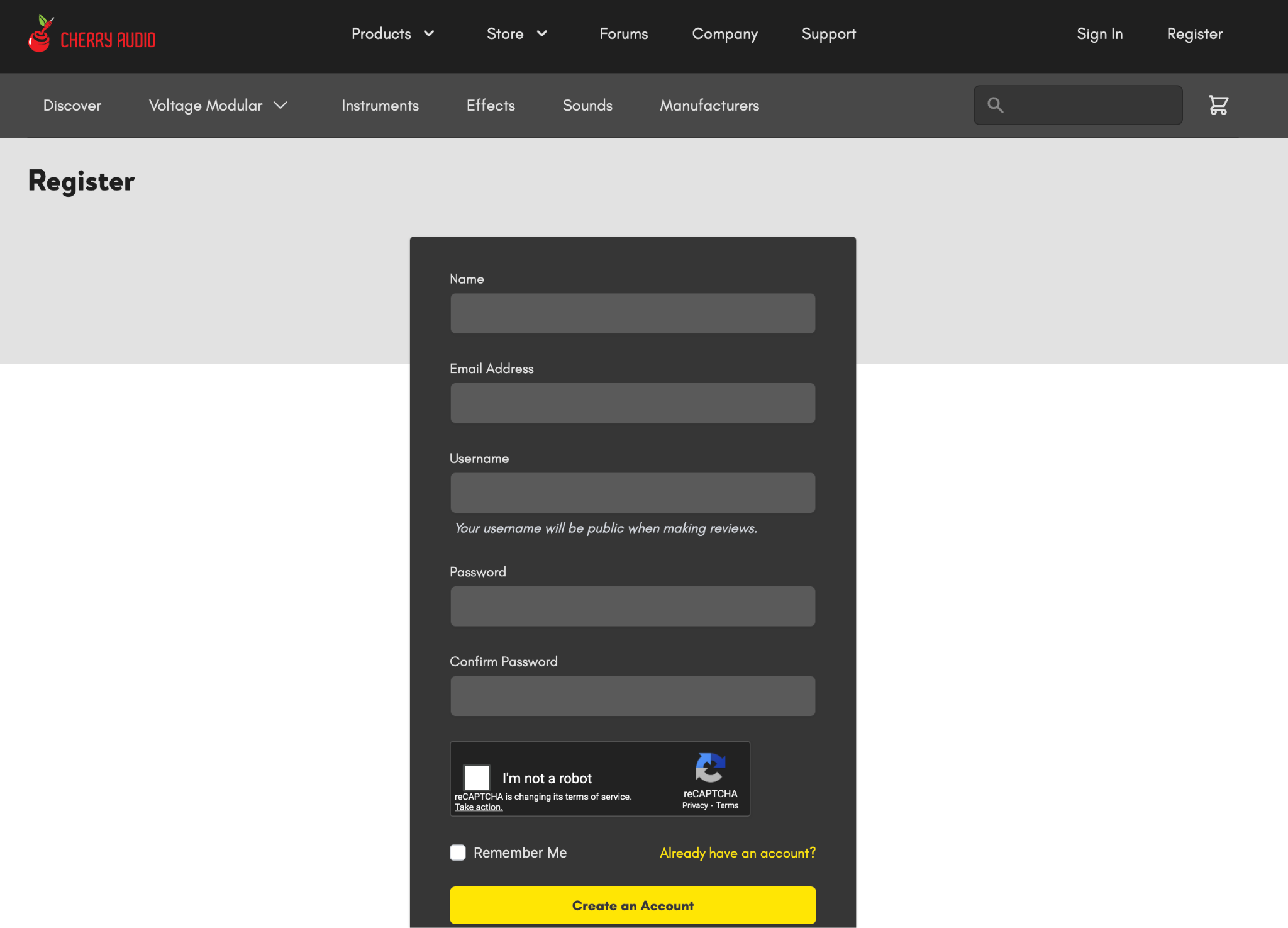
1. Log in or create a Cherry Audio account at: https://store.cherryaudio.com/register.
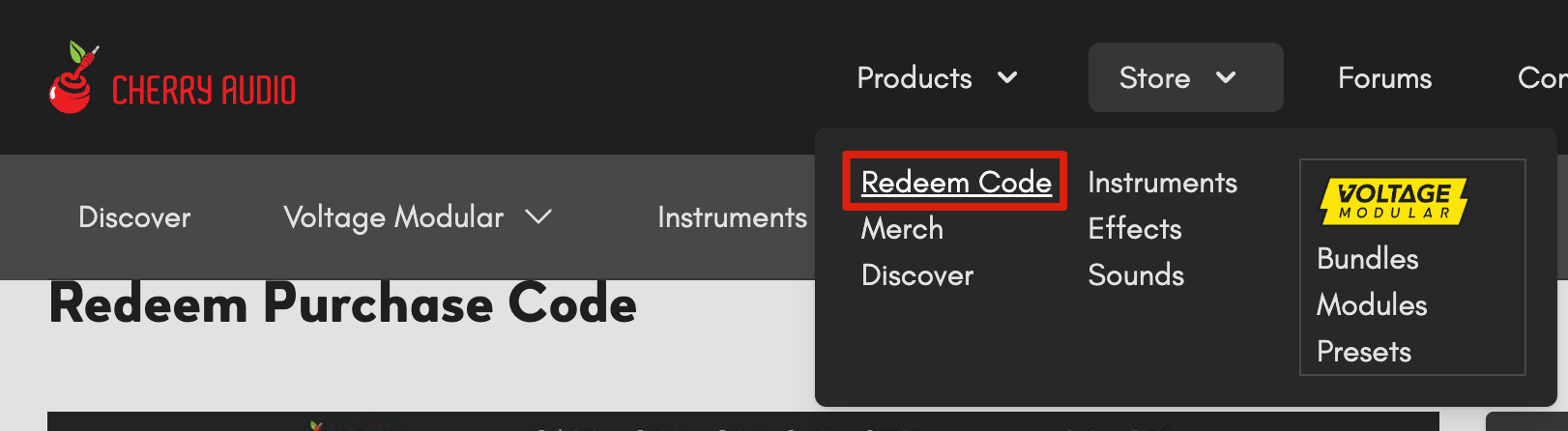
2. Go to https://store.cherryaudio.com/redeem, enter your redemption code and activate it.
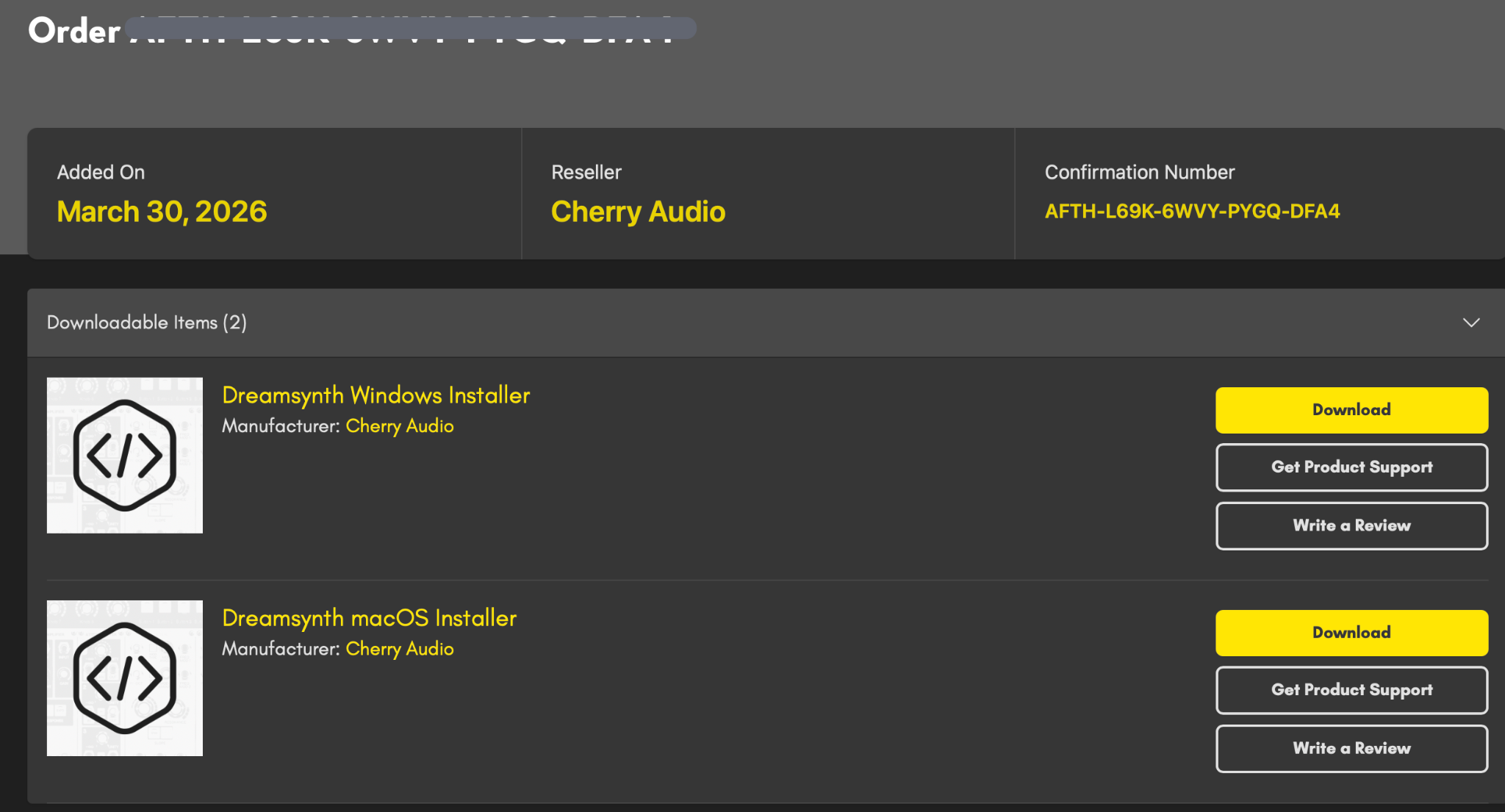
3. Once completed, visit https://store.cherryaudio.com/my/settings/library to download the installer.
4. The first time you launch Dreamsynth , a login window will appear. Simply log in to your Cherry Audio account to activate your license.
For more information about the Dream Synth or other plugins from Cherry Audio, please visit :