
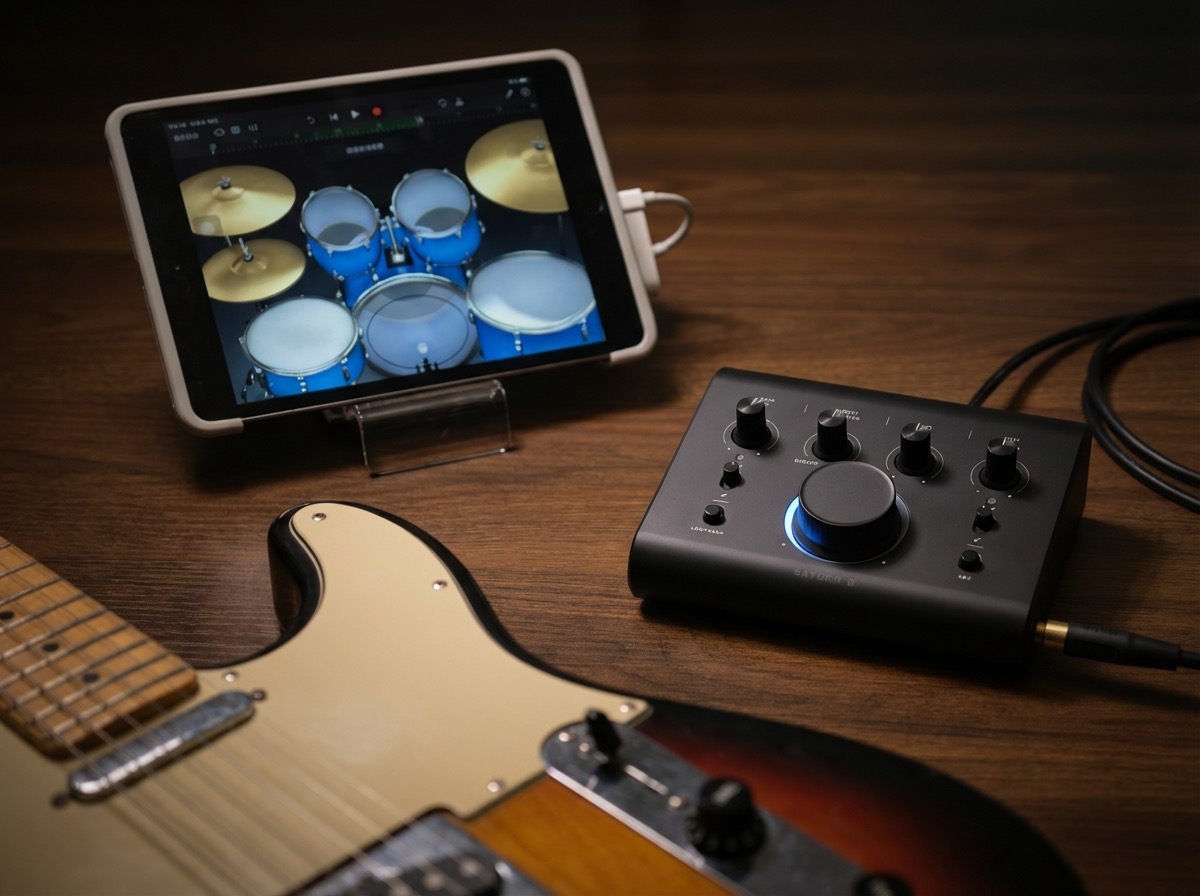
iOS Devices with Lightning Port (Apple Camera Kit is required.)
Example:
iPhone or iPAD (Lightning) > Apple Camera Adapter > SATURN / ORBIT
iOS Devices with USB C Port
Example:
iPhone or iPad (USB C) > USB C cable > SATURN / ORBIT
Android Devices
Android devices are not officially supported due to latency and compatibility differences across models. If your device works properly, please contact us so we can update the compatibility list.
Further Reading:
Saturn Interfaces Won't Power-On via Computer or Mobile Device
https://www.carver-pro.com/faq/saturn-interfaces-cant-be-powered